準備するもの
作業中のプロジェクト、その編集可能なソースまたはプロジェクト ファイル、レポート、およびデモ ビデオを準備します。外部リソースと自分自身の貢献を明確に特定します。
SW05 · ソフトウェア・AI・シミュレーション
Develop interactive animations, educational games, storytelling applications and beginner-level AI experiments using Scratch or similar visual programming environments. This sub-category is designed especially for young participants new to coding and computational thinking.
Scratch やその他の適切なブロックベース環境を使用して、アイデアをインタラクティブなゲーム、アニメーション ストーリー、学習アクティビティ、または便利なアプリケーションに変えます。このカテゴリは、初心者プログラマーに、想像、構築、理解できるものを示す場所を提供します。
イベントでは、学生がプロジェクトを実行し、それがどのように反応するかを審査員に確認させ、プロジェクトを機能させるブロックについて説明します。コーディング中に解決した問題、受け取ったフィードバック、テスト後に行った改善について説明できます。
創造性、論理的思考、インタラクション、教育的または社会的価値は、ブロックの数よりも重要です。小規模で思慮深いプロジェクトは、強力な入り口となる可能性があります。公式ルールブックでは、チームの規模、短いレポート、プロジェクト ファイル、ビデオ、ライブ デモンストレーションについて説明しています。
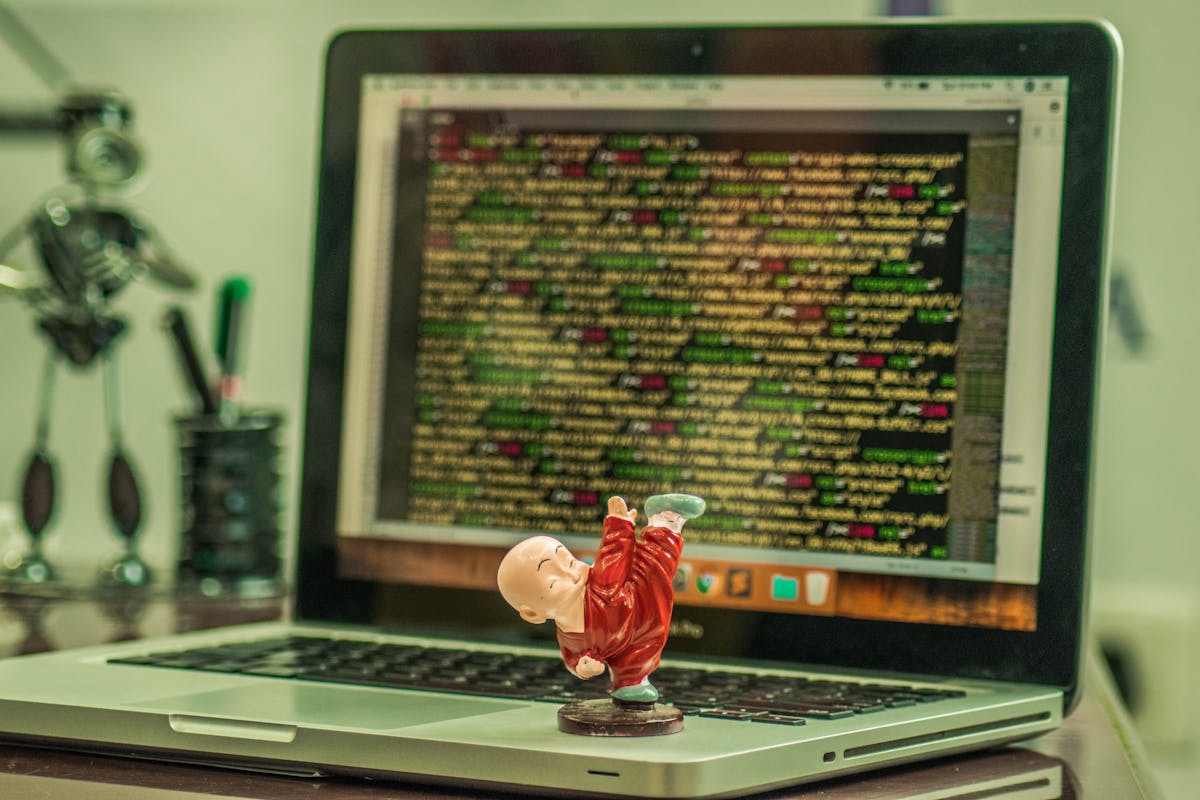
Learn coding logic with Scratch blocks — loops, conditionals and variables to build interactive projects.
Create digital storytelling and animation projects with characters, scenes and dialogues.
Design fun and educational game projects for math, science or language learning.
The Scratch environment lets children write code using drag-and-drop. Participants can develop animations, games or educational applications.
Creativity, computational thinking, user interaction and educational value are evaluated by the jury.
Use this guide to understand the experience. Read the official rulebook for the complete entry and technical requirements.
作業中のプロジェクト、その編集可能なソースまたはプロジェクト ファイル、レポート、およびデモ ビデオを準備します。外部リソースと自分自身の貢献を明確に特定します。
プロジェクトをライブで実行し、その主な機能をデモンストレーションし、選択に関する質問に答えます。テスト、エラー、改善点を自分の言葉で説明できるようにしてください。
評価はカテゴリのルーブリックと登録レベルに従って行われます。実用的でよく理解されたソリューションは、機能の数や不必要な複雑さよりも重要です。
レベル 01 ~ 07 • ライブ デモンストレーション • 最大 100 ポイント
チーム: 生徒 1 ~ 3 人。レポート: 通常 1 ~ 2 ページ、最大 5 ページ。デモビデオ: 最大 3 分。サポートされている場合はプロジェクト リンクを提供し、利用可能な場合はオフライン プロジェクト ファイルを提供します。
| 評価基準 | ポイント |
|---|---|
| 創造性と独創性 | 30 |
| 計算的思考 | 25 |
| Interactivity & User Experience | 25 |
| Educational or Social Value | 20 |